

Guild pages
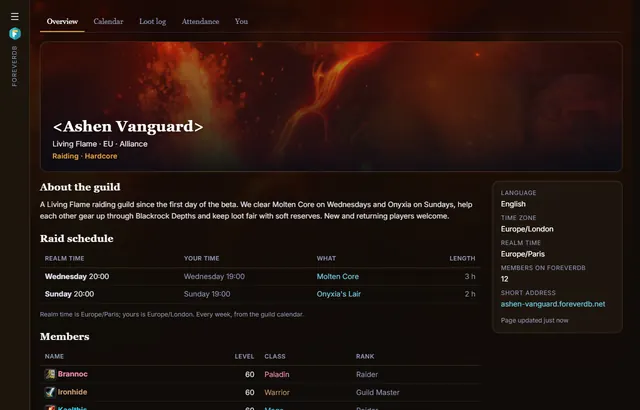
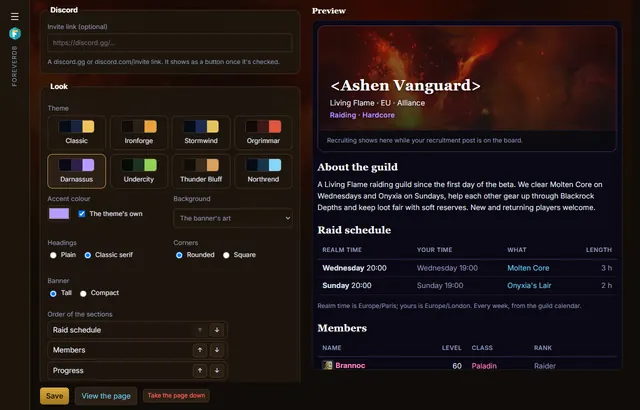
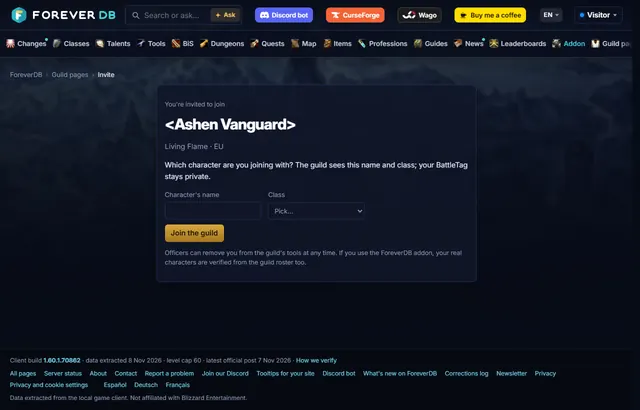
Every WoW Forever guild gets its own site on ForeverDB, free: a page at its own address, such as ashen-vanguard.foreverdb.net, and members-only tools behind it.
See it in action
What your guild gets
- Its own address: yourguild.foreverdb.net opens your guild's page. Share it in Discord, recruitment posts or on stream.
- A page that recruits: a banner from the game's art or a crest, an about text, play style, the classes and roles you want and an Apply button.
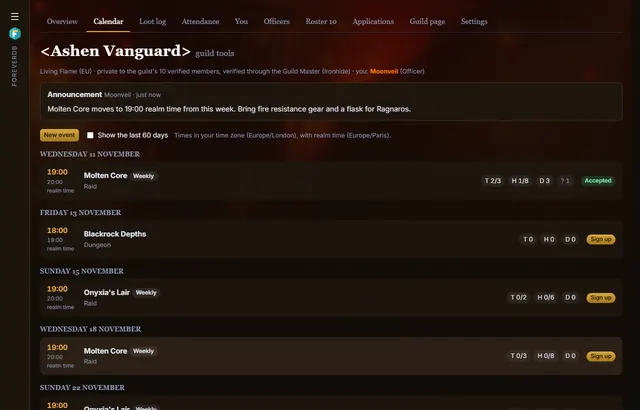
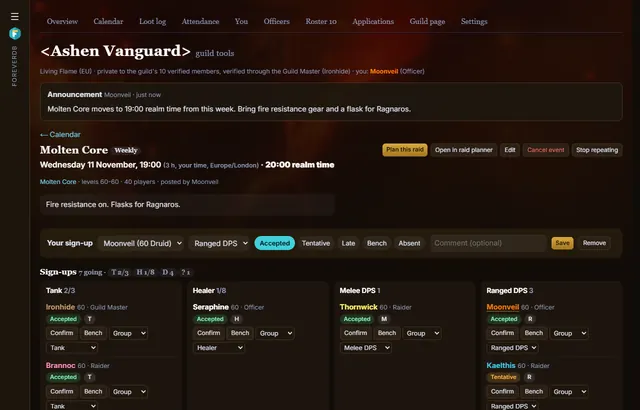
- Calendar and sign-ups: raid and dungeon nights, once or every week. Members sign up with a character and a role, with limits and a waitlist.
- Reminders: new events and reminders posted to your Discord channel, and emails for members who want them.
- Roster, loot log and attendance: who's in the guild (for the Guild Master and officers), who got which item from which boss, and who turned up.
- Raid tools: groups, buffs, a readiness check against the raid, soft reserves on real loot tables and boss assignments.
Set it up in three steps
- Members install the ForeverDB addon and play. It reads the guild roster when you log in.
- They send it with the ForeverDB Uploader (automatic) or from the WoW folder. That's how ForeverDB knows who's in the guild.
- The Guild Master or an officer opens guild tools, then the Guild page tab: picks a banner, writes a few lines and claims the guild's address.
Each tool in detail
- A free guild website: Give your WoW Forever guild its own website, free: an address like yourguild.foreverdb.net, a banner, raid schedule, progress, recruiting with Apply and your Discord.
- Raid calendar and sign-ups: A free raid calendar for WoW Forever guilds: post raid and dungeon nights, let members sign up with a character and role, set tank, healer and DPS limits with a waitlist.
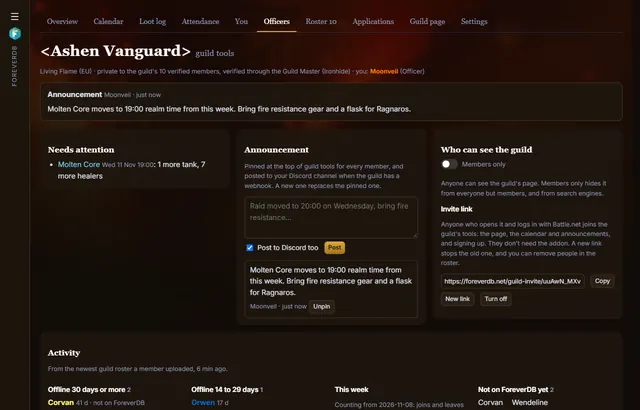
- Discord raid reminders: Post your WoW Forever guild's raids to Discord automatically: new events, reminders before raid time and changes, with a webhook and no bot to invite. Free.
- Soft reserves: A free soft reserve tool for WoW Forever: members reserve items by boss from the real loot tables, officers set the rules, and the addon shows reserves on tooltips.
- Loot log and attendance: Track your WoW Forever guild's loot and attendance automatically: who won which item from which boss, lates and no-shows over 4 and 12 weeks, from members' uploads.
- Raid groups and assignments: Plan WoW Forever raid nights: drag members into groups, see every group's buffs, auras and totems, check readiness and copy boss assignments as an MRT-style note.
- Recruiting: Find players for your WoW Forever guild: a post on the recruitment board with the classes and roles you want, an Apply button, and your guild page to show them who you are.
Guilds on ForeverDB
No guild has set up its page yet. Yours could be the first.
Questions
- Is it free? Yes, all of it.
- Who can change the page? The Guild Master and the officers.
- What's public? Only what the officers switch on, and only characters whose owners made their armory page public. The calendar, roster, loot log and attendance are private to the guild's verified members.
- Why does it need the addon? WoW Forever has no Battle.net API yet, so ForeverDB knows who's in a guild from its members' uploads.
Everything guild tools do · Guild recruitment · Find your guild in the armory · Live logs for your raids