

Esta página aún no está traducida. Versión en inglés
FDB Chat: a chat addon for WoW Forever
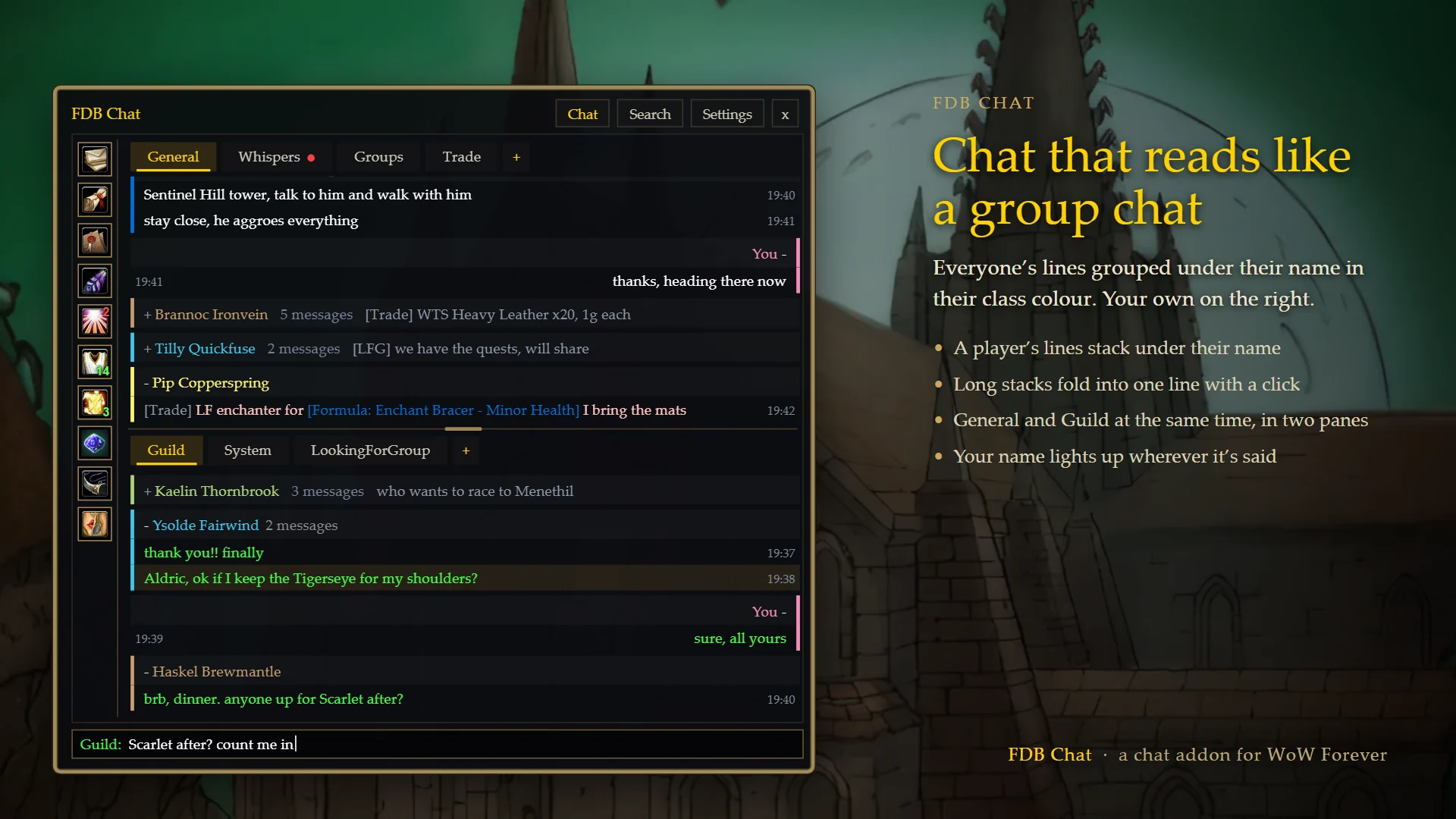
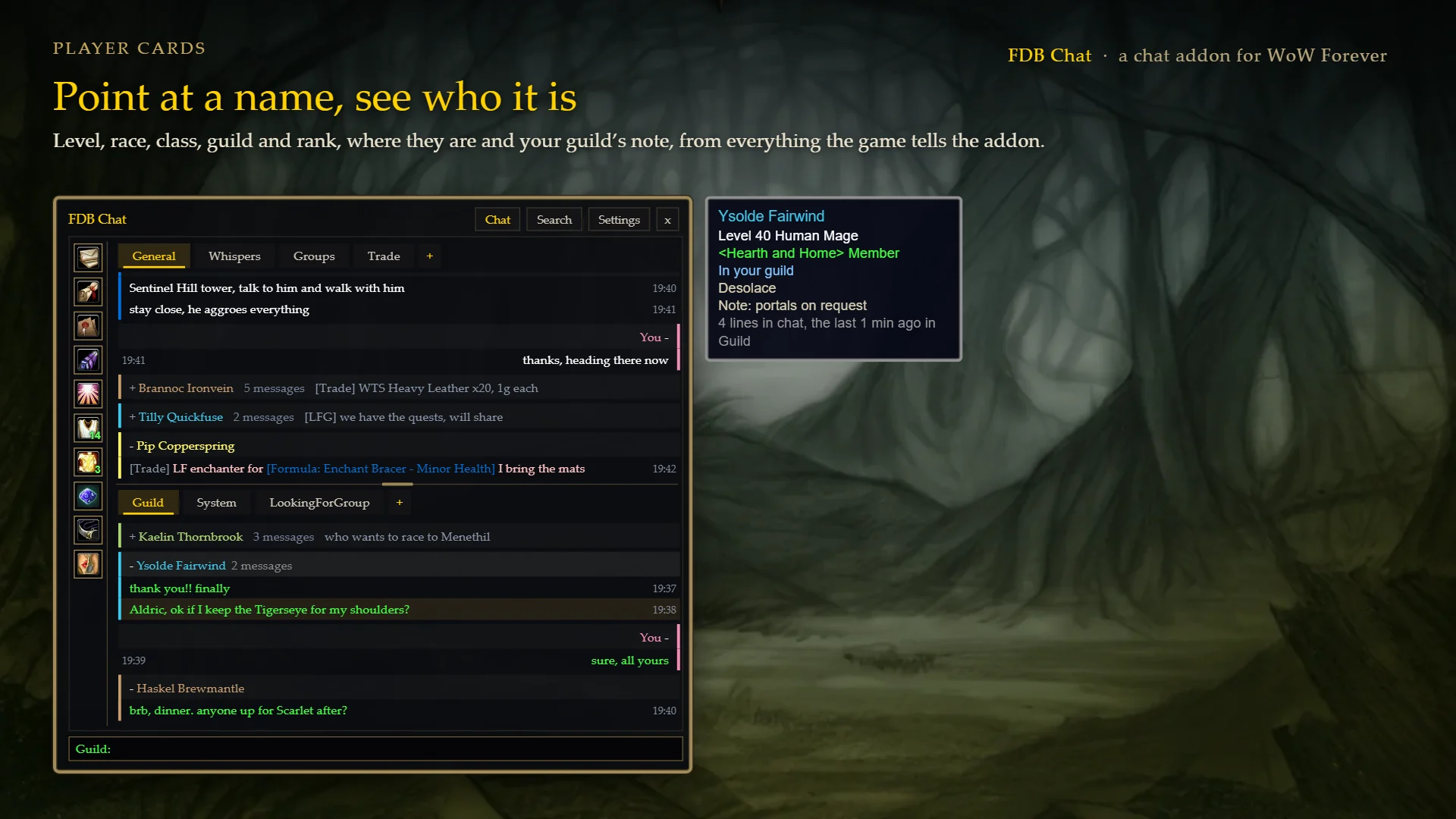
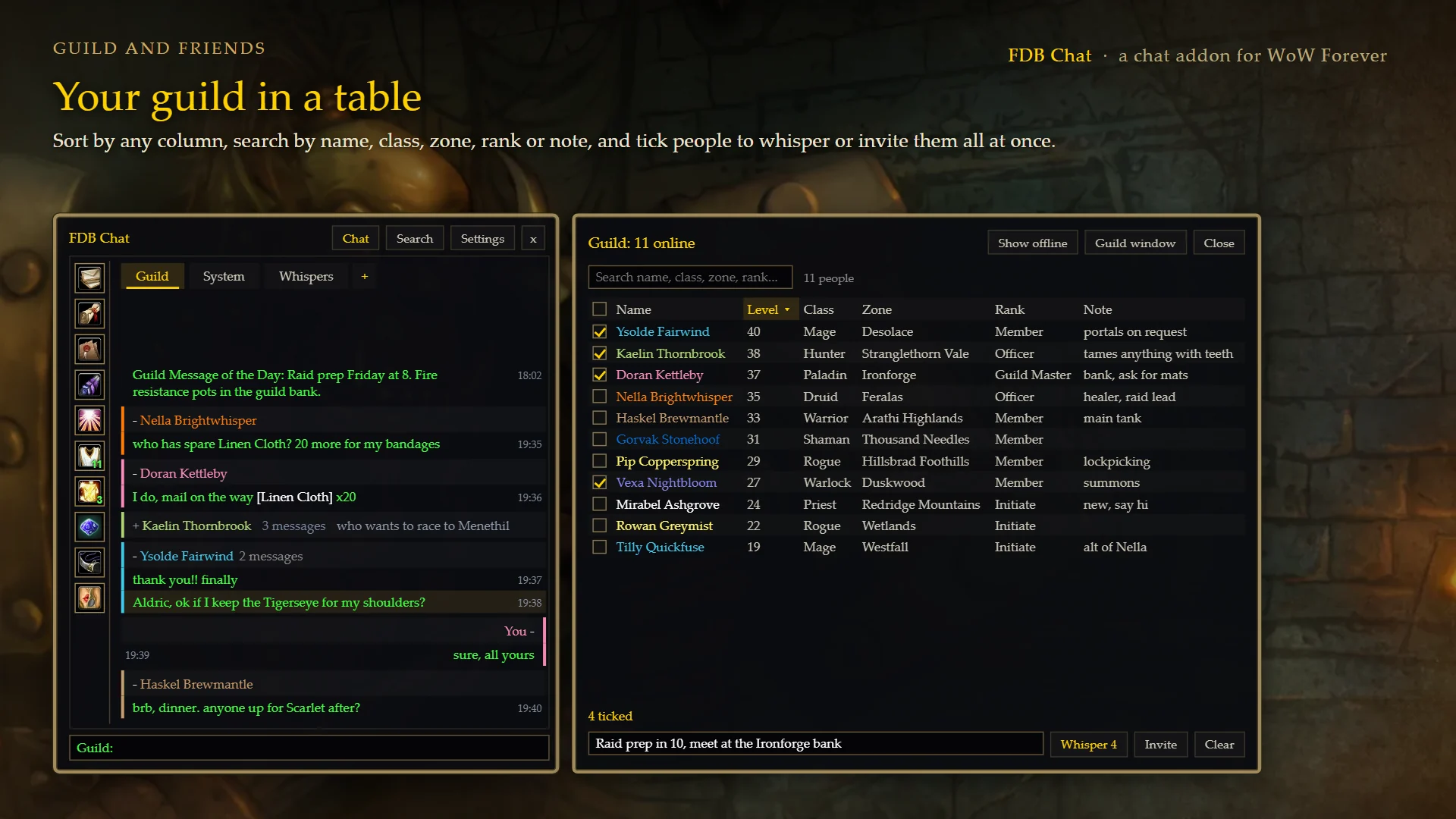
FDB Chat replaces the game's chat with a window that reads like a group chat: tabs and two panes, each player's lines under their name in their class colour, and replies that go where the message came from. It brings the usual chat addon tools with it, and a few of its own: a card for any player you point at, your guild in a sortable table, and a LookingForGroup post that writes itself. It's made by ForeverDB.net, it's free, and it works on its own or next to the ForeverDB addon.
Or install and update it with an addon app: CurseForge
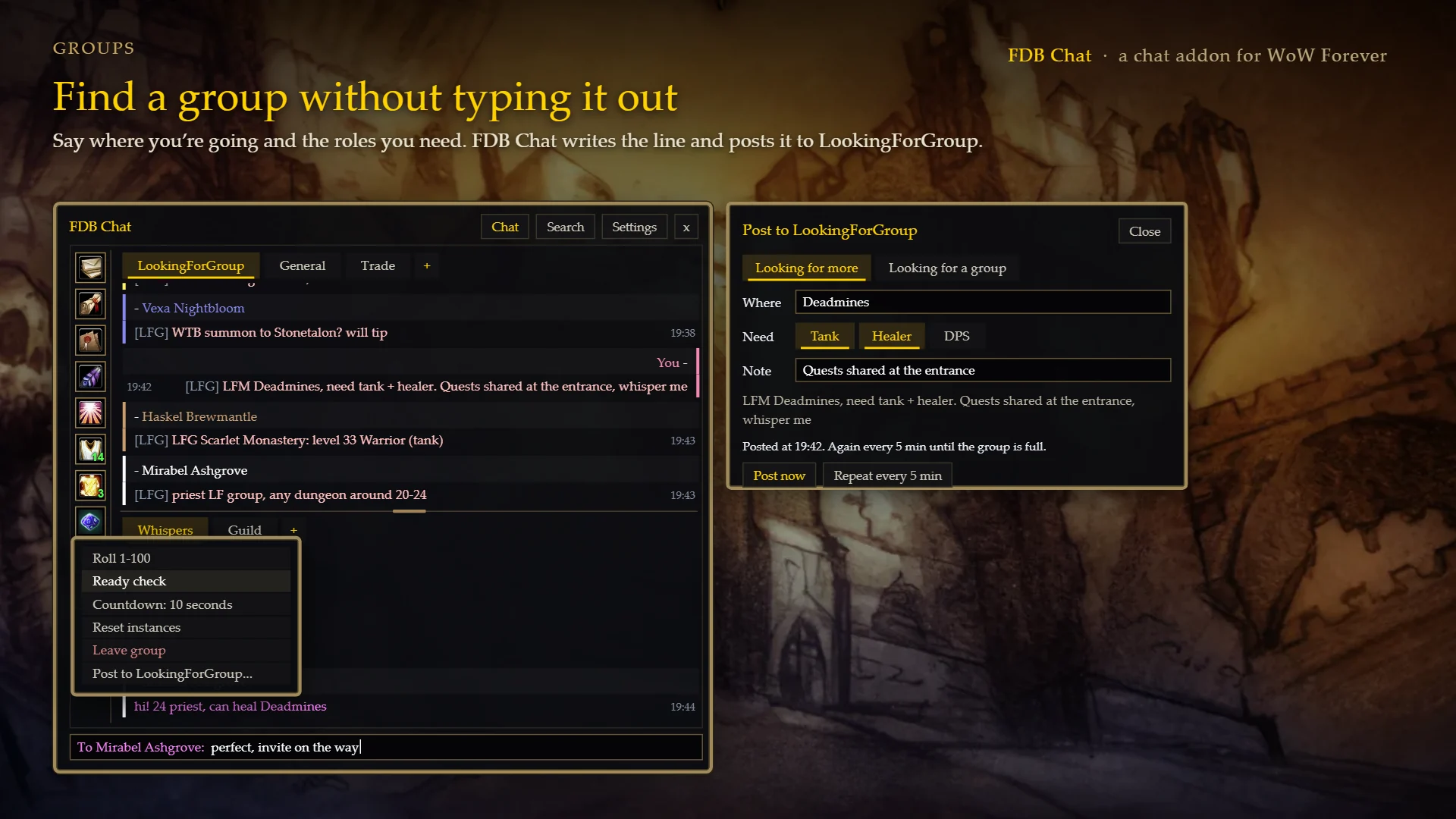
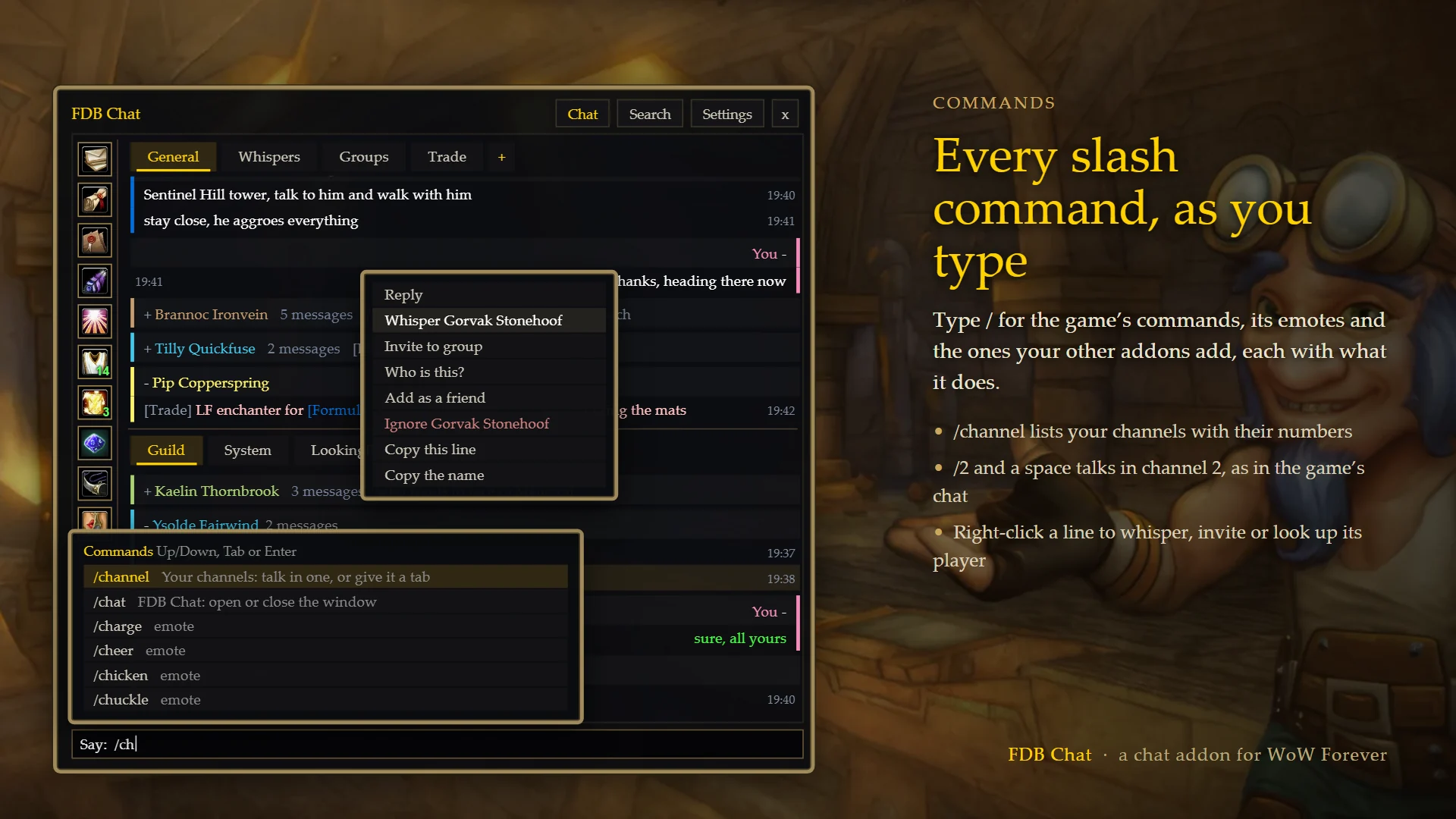
The pictures are previews with made-up players and chat.
Install
- Download the zip and open it.
- Copy the
ForeverDB_Chatfolder inside intoWorld of Warcraft\_forever_\Interface\AddOns. Make theAddOnsfolder if it isn't there. - Restart the game or type
/reload, and tick FDB Chat in the AddOns list on the character screen. - It opens by itself.
/chatopens and closes it.
Reading chat
- Tabs for General, Guild, Whispers, Groups and System, plus any channel you want its own tab (Trade, LookingForGroup...). The + after the tabs adds one.
- Two panes, one above the other, so you can read Guild and General at the same time. Drag the line between them to make one bigger, or switch to a single window.
- Each player's lines stack under their name in their class colour, and a stack folds into one line with a click. Your own lines are on the right.
- Point at a player's line or name for a card: level, race, class, guild and rank, where they are, your guild's note about them and how much they've said in chat. Levels and guilds you've seen are remembered between sessions.
- Mentions: lines with your name, or keywords you choose, light up, can play a sound and are listed together under one button.
- Hover an item, spell or quest link for its tooltip. Web links open a box to copy them.
- Scroll up to read and new lines don't pull you back down; a Latest messages button takes you back.
- Search, copy a whole tab, hide lines with words you don't want to see, mute a busy tab.
Talking
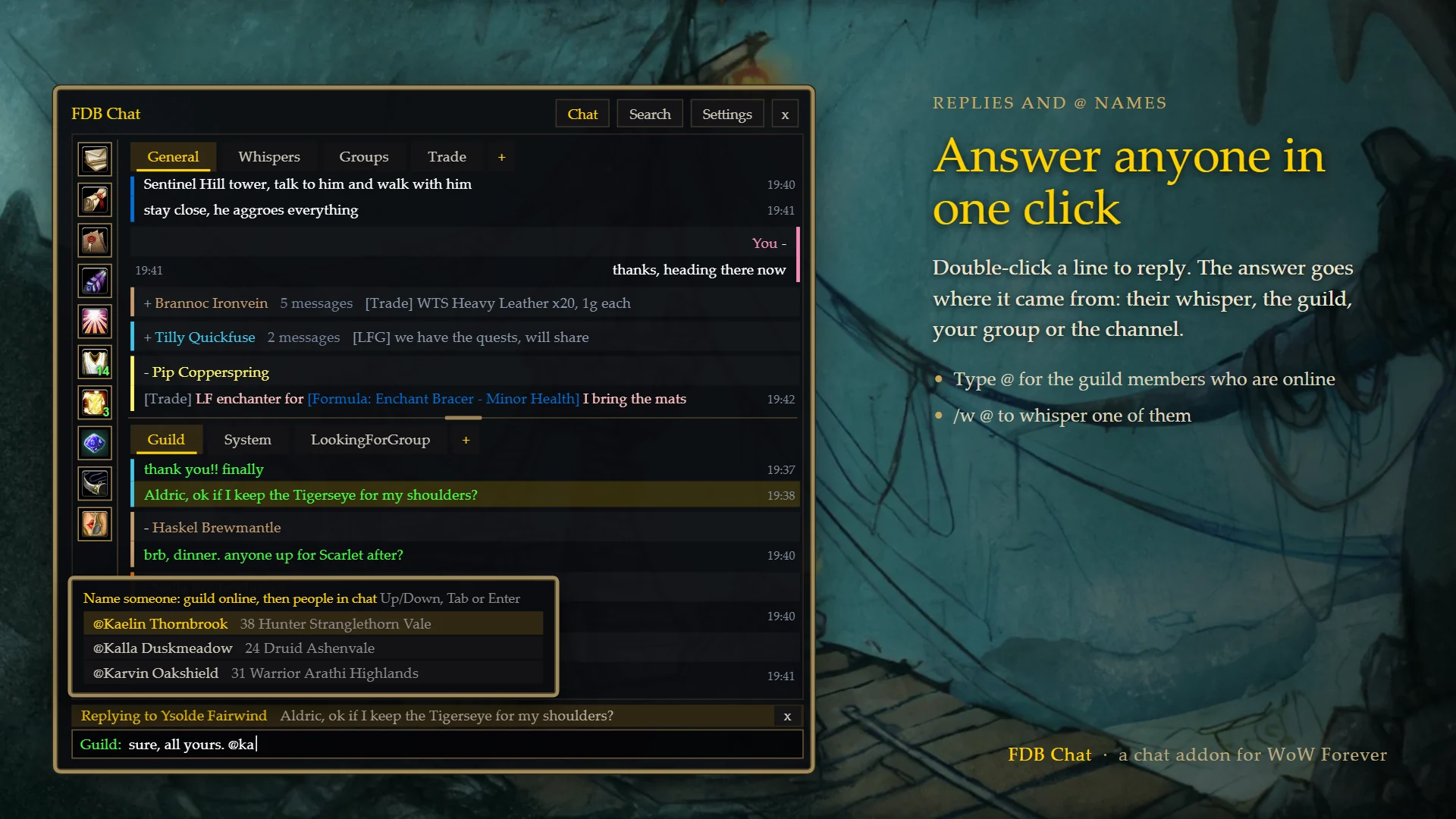
- Click a message and press Reply, or double-click it. Your answer goes where the message came from: their whisper, the guild, your group or the channel. In a public channel it starts with their name.
- Type / for every slash command: the game's, its emotes and your other addons'. /channel lists your channels, /join and /leave the usual ones, and /w lists the people in chat lately.
- Type @ for the guild members who are online. /w @ whispers one of them.
- /2 and a space, /g, /p, /w Name and the rest switch the input over, as in the built-in chat. The input always says where your line goes.
- Up and Down bring back what you typed before; Tab finishes a name.
- Whisper popouts: a small window for one conversation.
Guild, friends and groups
- Guild and Friends tables with sortable columns and search. Tick several people to whisper them all the same message, or invite them all to your group. A number on each button shows how many are online.
- Group tools: roll, ready check, a countdown, reset instances, leave group.
- LFG post: say where you're going and the roles you need, and it writes the line ("LFM Deadmines, need tank + healer, whisper me") and posts it to LookingForGroup, once or every few minutes until your group is full.
- Right-click a message to whisper, invite, look up, befriend or ignore its player.
Look and settings
- Five themes, an opacity slider and text size. The window moves, resizes from its corners and can be docked.
- Every setting is on the game's Options > AddOns > FDB Chat page.
- The built-in chat is hidden while FDB Chat is open. Untick that in Settings to keep both.
- With the ForeverDB addon installed too, a button on the side opens it.
Commands
You don't need them: everything has a button. They're shortcuts.
/chat·/fchat: Open or close the window/fchat help: The rest of the commands/fchat reset: Every setting back to how it started (then/reload)
Privacy
FDB Chat doesn't connect to anything (WoW doesn't let addons use the internet) and sends nothing anywhere. The last 100 lines of each tab are kept across /reload on your PC, in WTF\Account\<account>\SavedVariables\ForeverDB_Chat.lua (switch it off or delete it in Settings), and so are the levels and guilds of players you've seen, for their cards.